

Webhooks
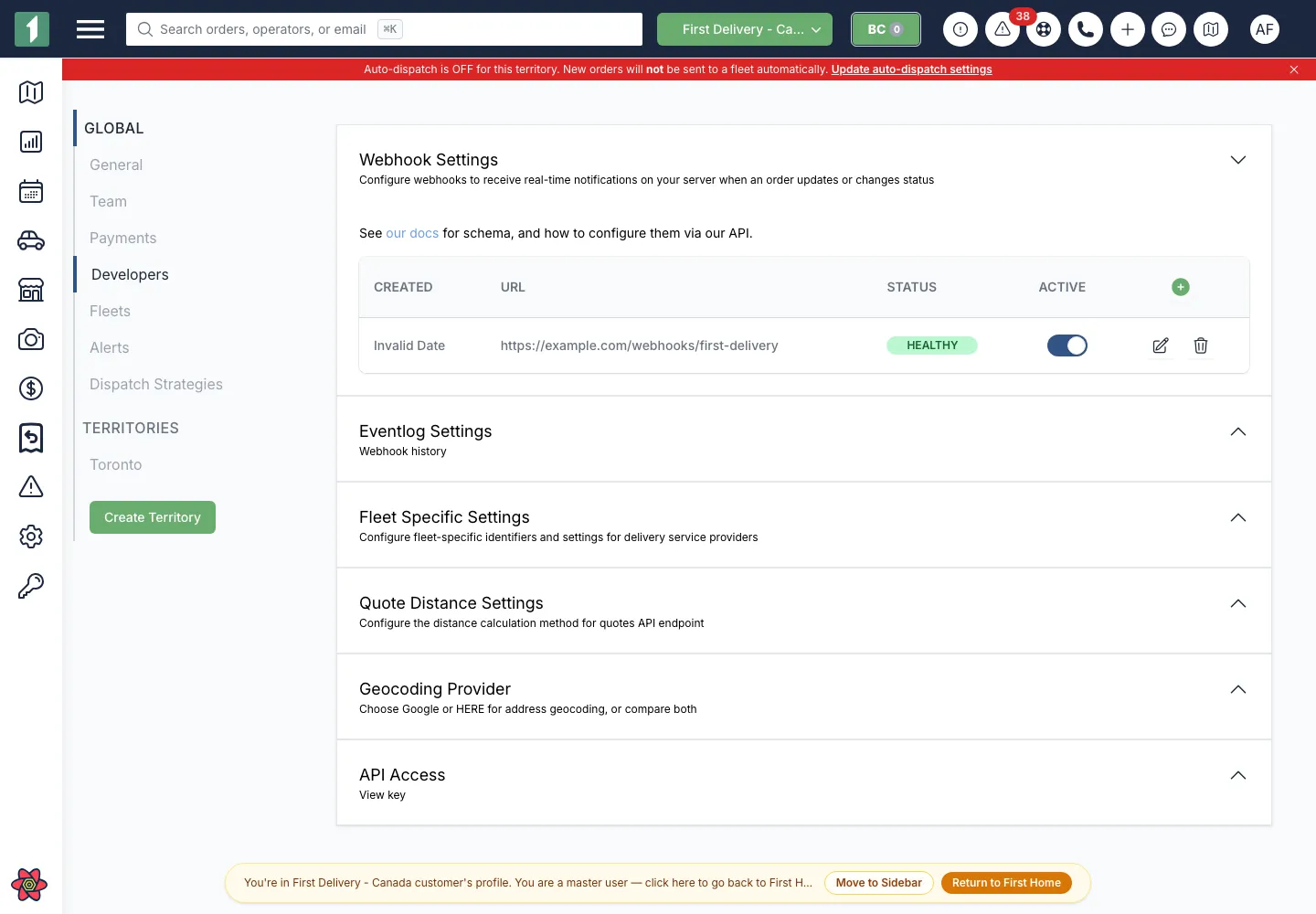
Manage destinations in Dispatch → Developers → Webhook Settings or through the published webhook endpoints. A destination can include an event filter and HTTP options. Treat configured authorization headers as secrets; saved values are masked.
Event model
Section titled “Event model”Standard order events include orderId, externalId, legacy status, preferred status_v3, and trackerLink. Driver, location, ETA, proof-of-delivery, cancellation, fee, and provider tracking fields are conditional.
ready_nowis an event layered on the current lifecycle state. Checkevent: "ready_now"andreadyAt; it is not astatus_v3value.Refundedis an event with a provider-specific payload and does not includestatus_v3.trackerLinkFleetandfleetNameare always present on new payloads but can benull.statusis the legacy normalized value. Build new integrations aroundstatus_v3while continuing to accept both.
Events are signals, not an authoritative event log. They can be delayed, missed, duplicated, or arrive out of order. Reconcile critical workflows with GET /v3/orders/:id.
Receiver requirements
Section titled “Receiver requirements”- Accept HTTPS
POSTrequests. - Return a
2xxresponse only after the event is durably accepted. - Respond quickly and process expensive work asynchronously.
- Make processing idempotent. Delivery can be repeated.
- Tolerate new fields and event types.
- Use the order and event identifiers rather than customer details as deduplication keys.
Do not assume strict ordering between separate deliveries. If state order matters, fetch the current order after receiving an event.
First uses a five-second delivery timeout. Byte-equivalent payloads for the same account, destination, and order are suppressed for a short window (normally 60 seconds). Location- or ETA-only snapshots can be held for roughly 10 seconds and then delivered as a trailing update. These controls reduce noise; they do not provide exactly-once delivery.
Configure a private receiver credential with http_options.headers, for example:
{ "http_options": { "headers": { "Authorization": "Bearer <YOUR_RECEIVER_SECRET>" } }}Never leave webhook.site or another temporary inspection endpoint subscribed to a production account.
Event log
Section titled “Event log”The Dispatch webhook event log shows recent outbound attempts, destination, status, request, and response details. Its UI query is intentionally limited to recent activity; it is an operational debugging tool, not a permanent audit export.
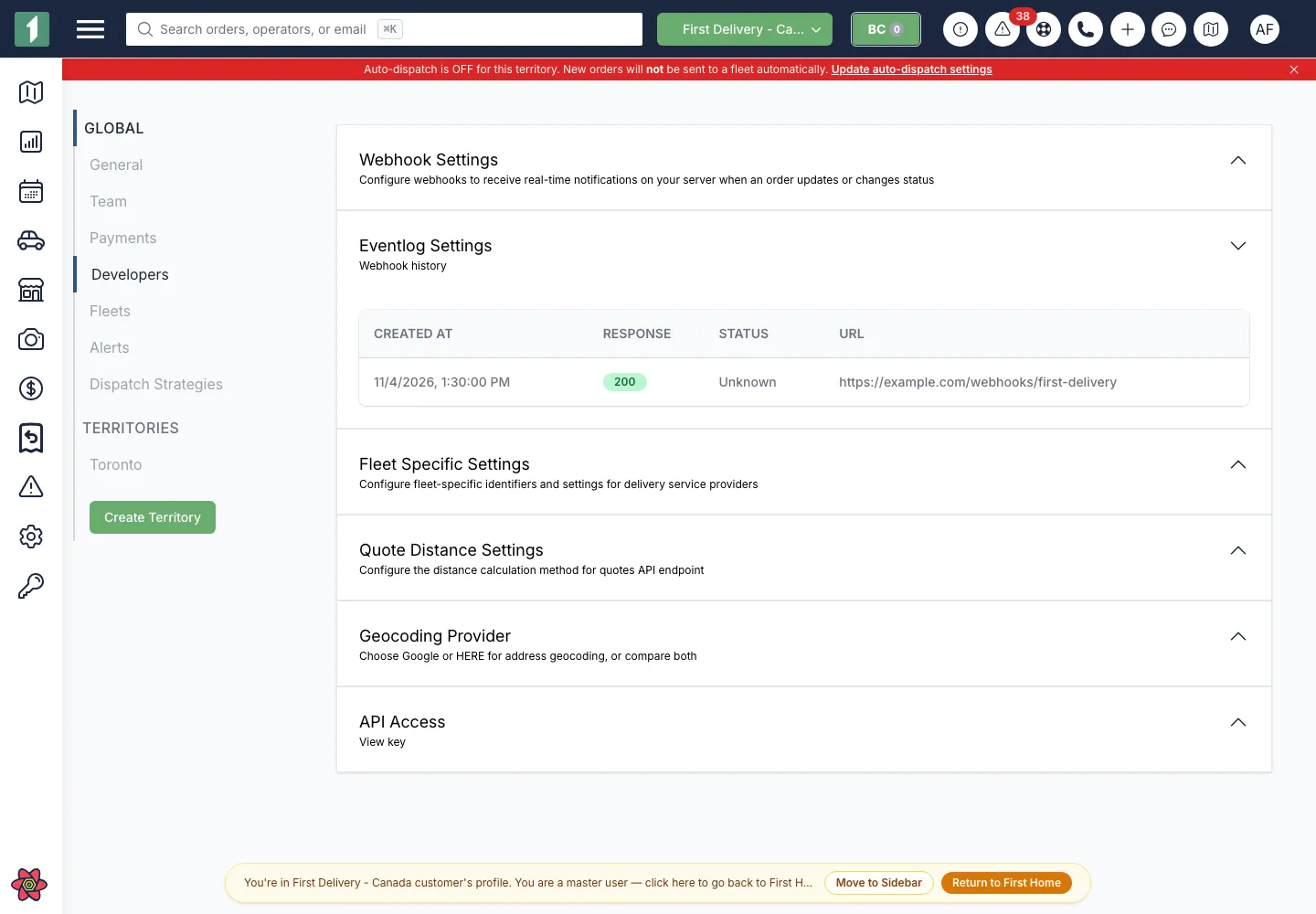
When asking for help, provide the event ID, timestamp, destination hostname, and response status. Redact credentials and customer data.